

What are Datasets?
Datasets help you organize specific information from all your project data. Just tell Tucca what kind of information you want to track (like expenses, contacts, or events), and it will automatically find and organize that information from your emails, photos, and files.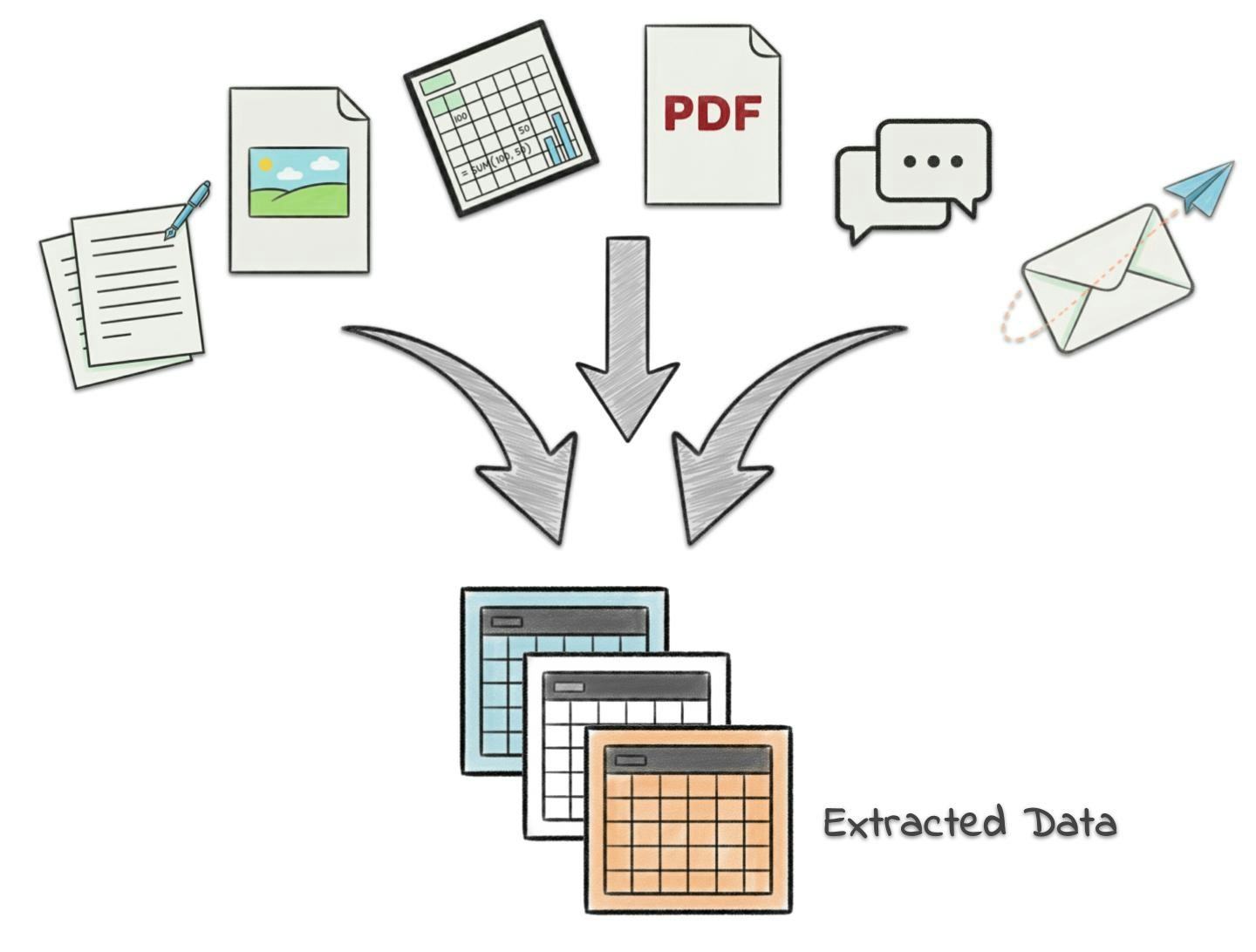
Key Features
Custom Data Types
Tell Tucca exactly what information you want to track using simple plaintext
descriptions.
AI Extraction
AI automatically extracts relevant information from your data sources to
populate your datasets.
Auto-updating
Datasets automatically update when new data is added to your project.
Screenshots, docs, emails, and more.
Output Integration
Use datasets as input sources for creating outputs. Generate custom web apps
that can dynamically query your datasets
Creating Datasets
- Navigate to the project dashboard of a project you want to create the dataset in.
- View the current datasets
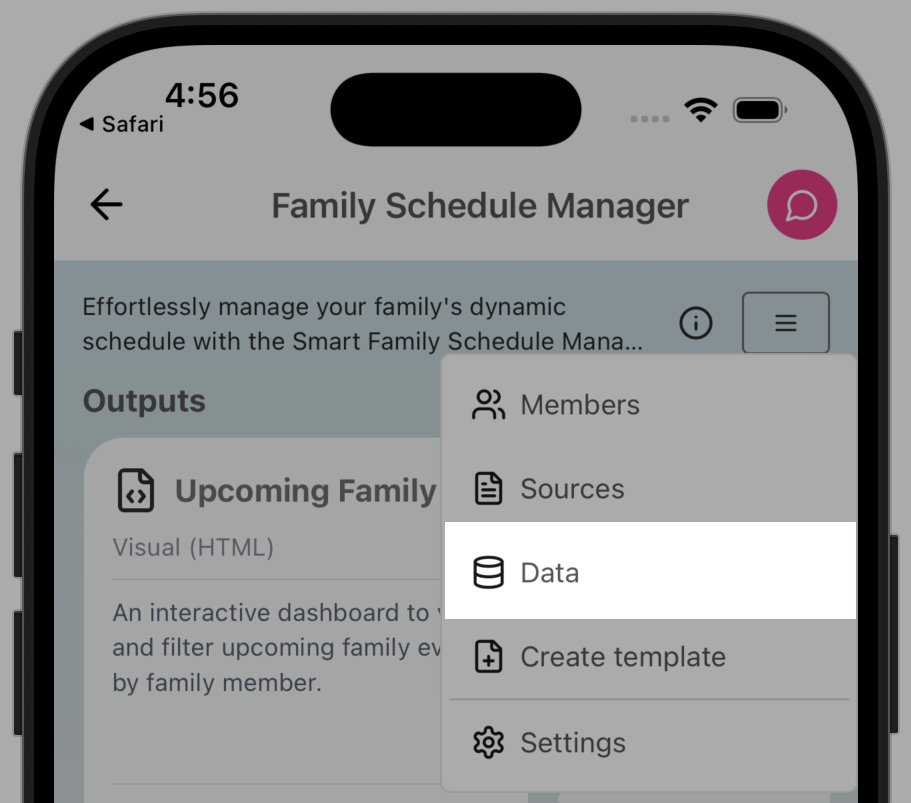
- On mobile you’ll need to open the project settings menu in the upper right and tap “Data”
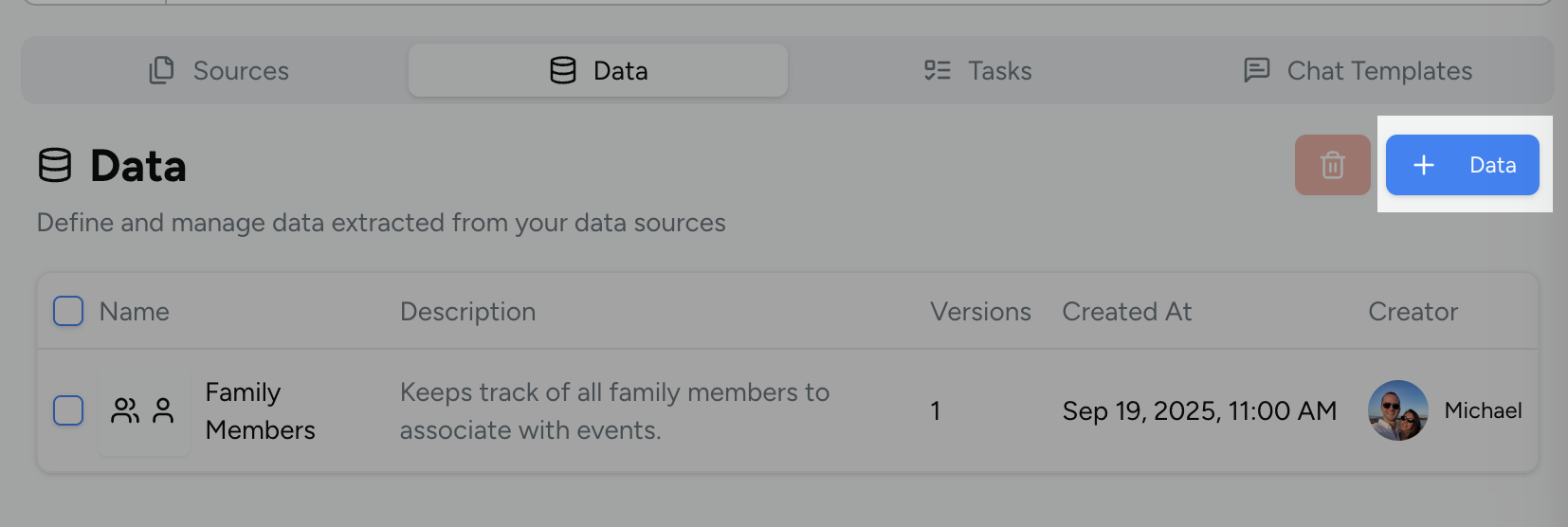
- On web you’ll need to scroll down to the tabular section below the calendar and click the “Data” table
- Click or tap the new dataset button
- Fill out the form with the proper
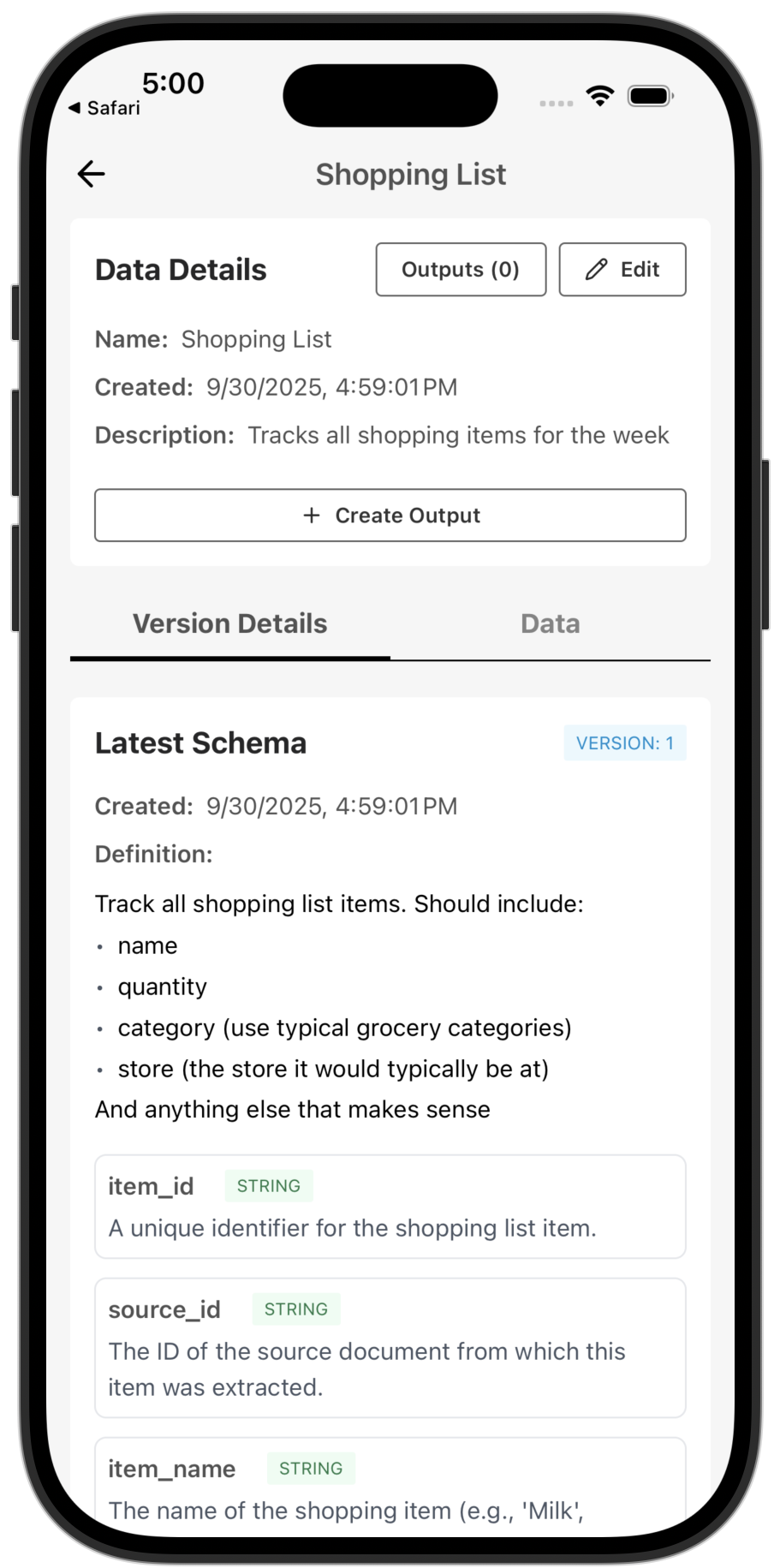
- The definition can be any free form explanation of what data you want tracked. You can be as specific as you’d like. See below for examples.
- Press create to start the dataset generation
- It may take some time as Tucca processes your projects data and builds out the new dataset
- Tucca is both designing the schema and processing the current data into the dataset
- Review your new dataset
- 📱 Mobile
- 💻 Web
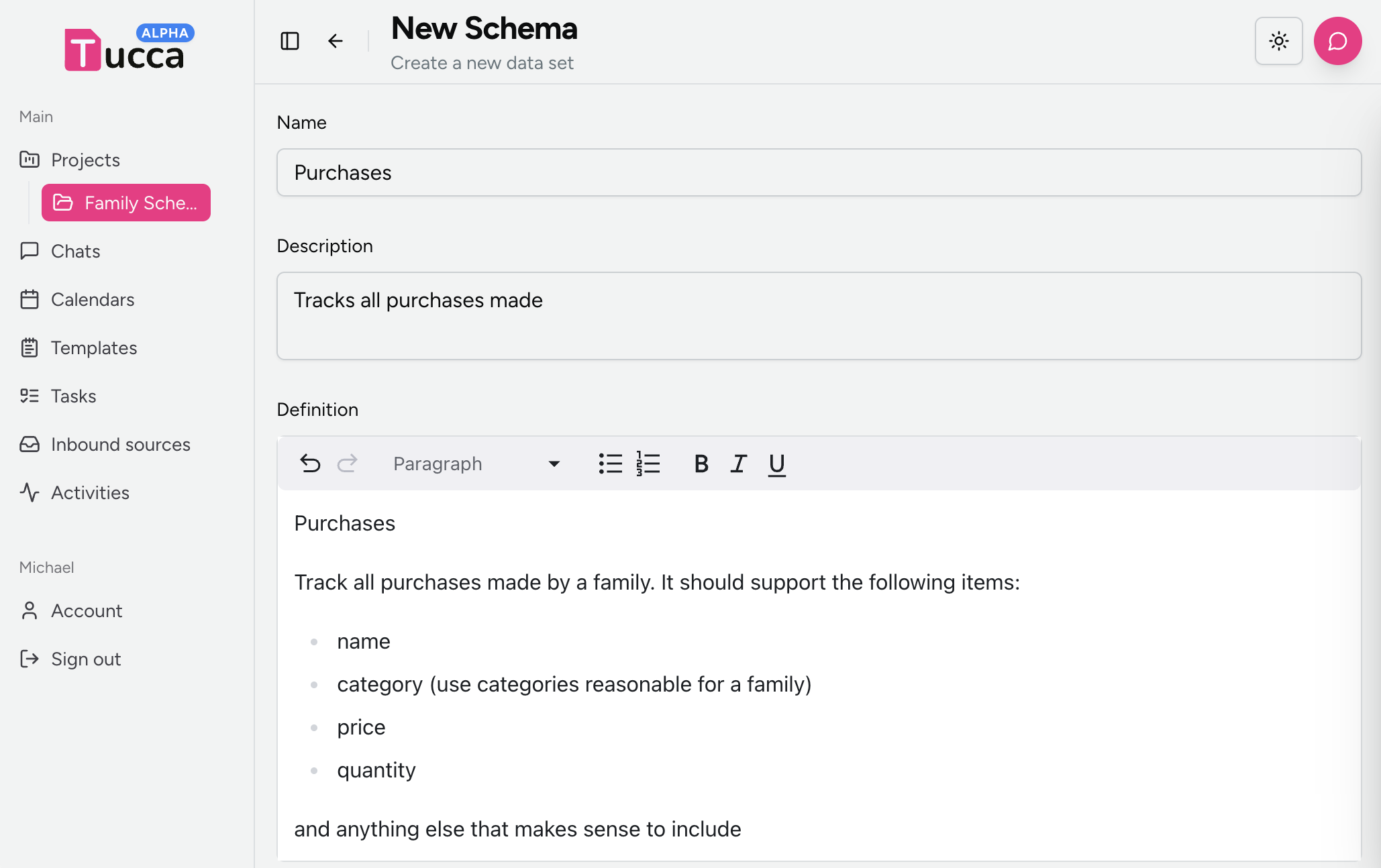
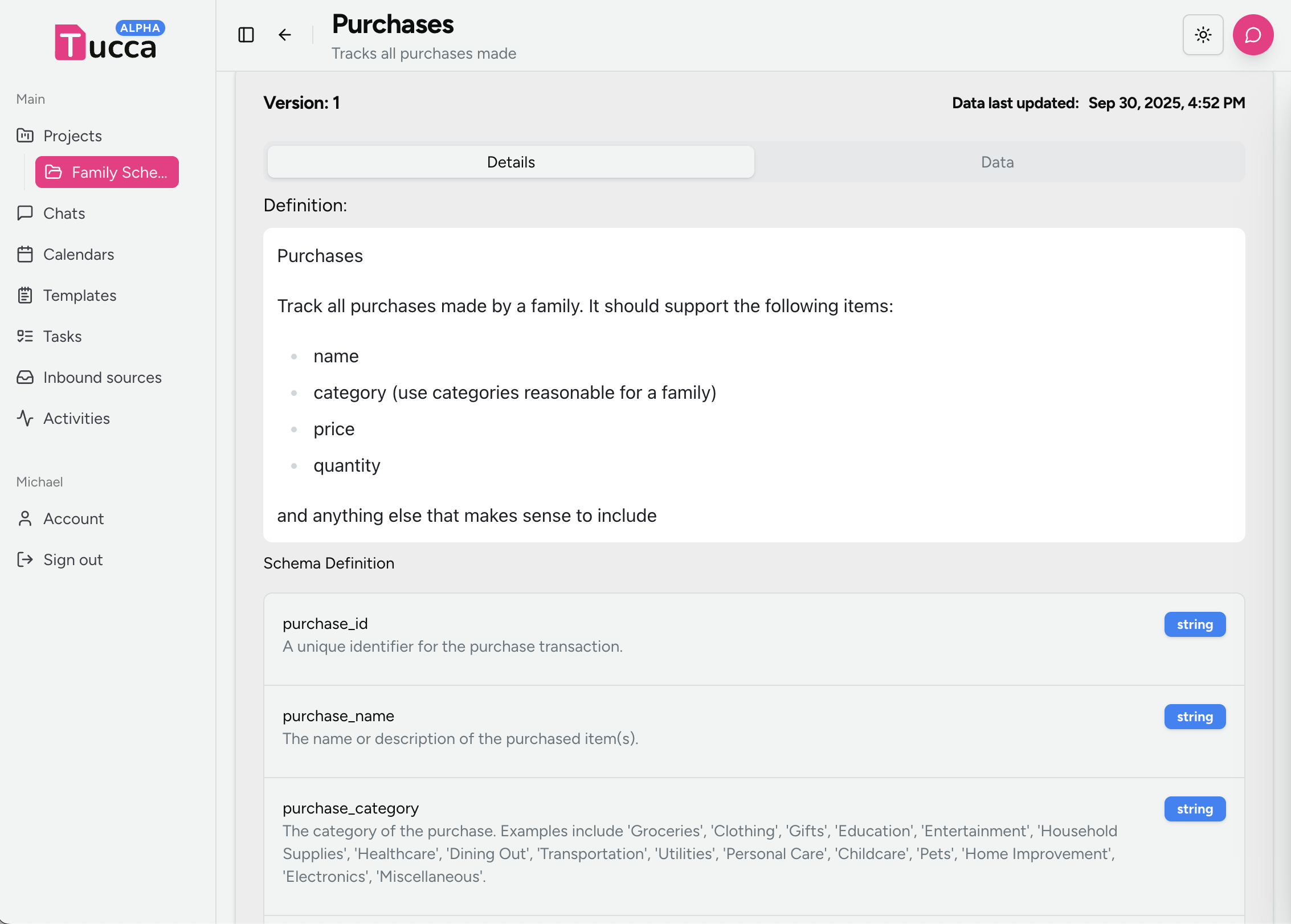
Dataset Definition Examples
Here are some real-world examples of datasets you might create for your personal life: Example: Family ExpensesUsing Datasets
Output Integration
Use datasets as input sources for outputs:- Text Reports: Generate summaries from structured data
- Spreadsheets: Create organized data tables
- Apps: Create custom web apps for data display and editing
Chat Integration
Query your datasets through AI chat:- Data Questions: Ask specific questions about your data
- Trend Analysis: Get insights about patterns and changes
- Filtering: Find specific records or information
- Summaries: Get overviews of your dataset content
Use Cases
Personal Finance
Track your spending, bills, and financial goals with automatic
categorization from receipts and statements.
Health & Wellness
Monitor doctor appointments, medications, fitness activities, and health
goals in one place.
Home & Car Maintenance
Keep track of repairs, maintenance schedules, and service appointments for
your home and vehicles.
Personal Projects
Track your hobbies, learning goals, personal achievements, and creative
projects with progress notes.
← Home
Return to the main documentation homepage
← Concepts Overview
Browse all concept documentation