

What are Data Sources?
Data Sources are the individual pieces of data that you send or upload to a project. They can be text documents, spreadsheets, images, links, emails, or any other type of information. Each data source is processed by AI to extract useful information and make it searchable and accessible.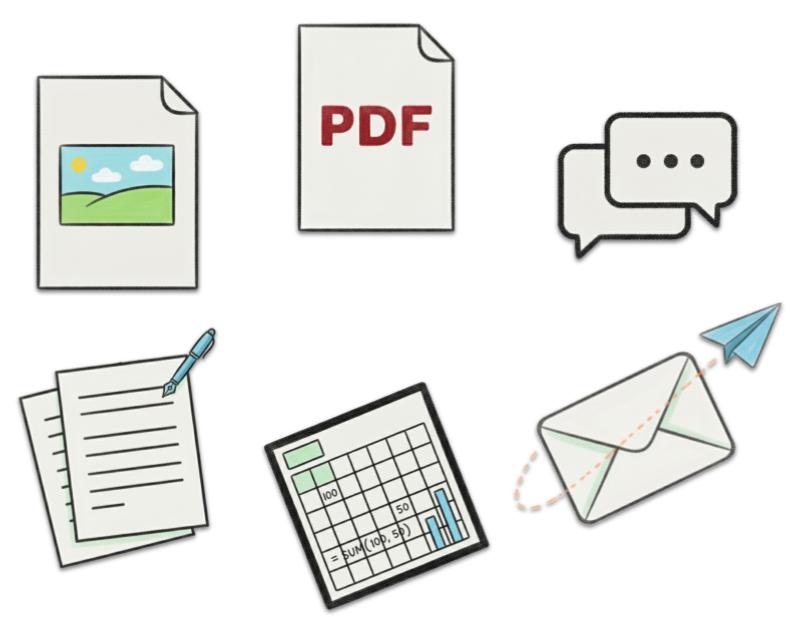
Types of Data Sources
Emails
Forward emails to your project or send new messages with important
information.
Documents
Upload PDFs, Word documents, spreadsheets, and other text-based files.
Images
Upload photos, screenshots, scanned documents, and other visual content.
Links
Save URLs, web pages, and online resources for future reference.
Adding Data Sources
Quick Upload
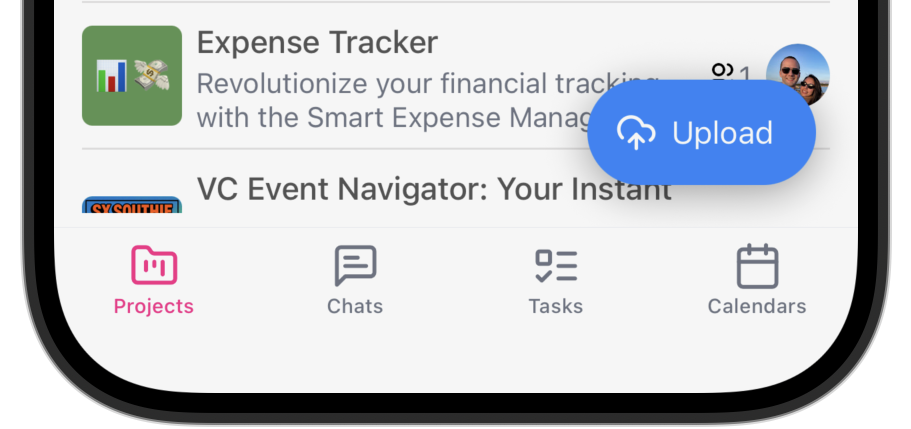
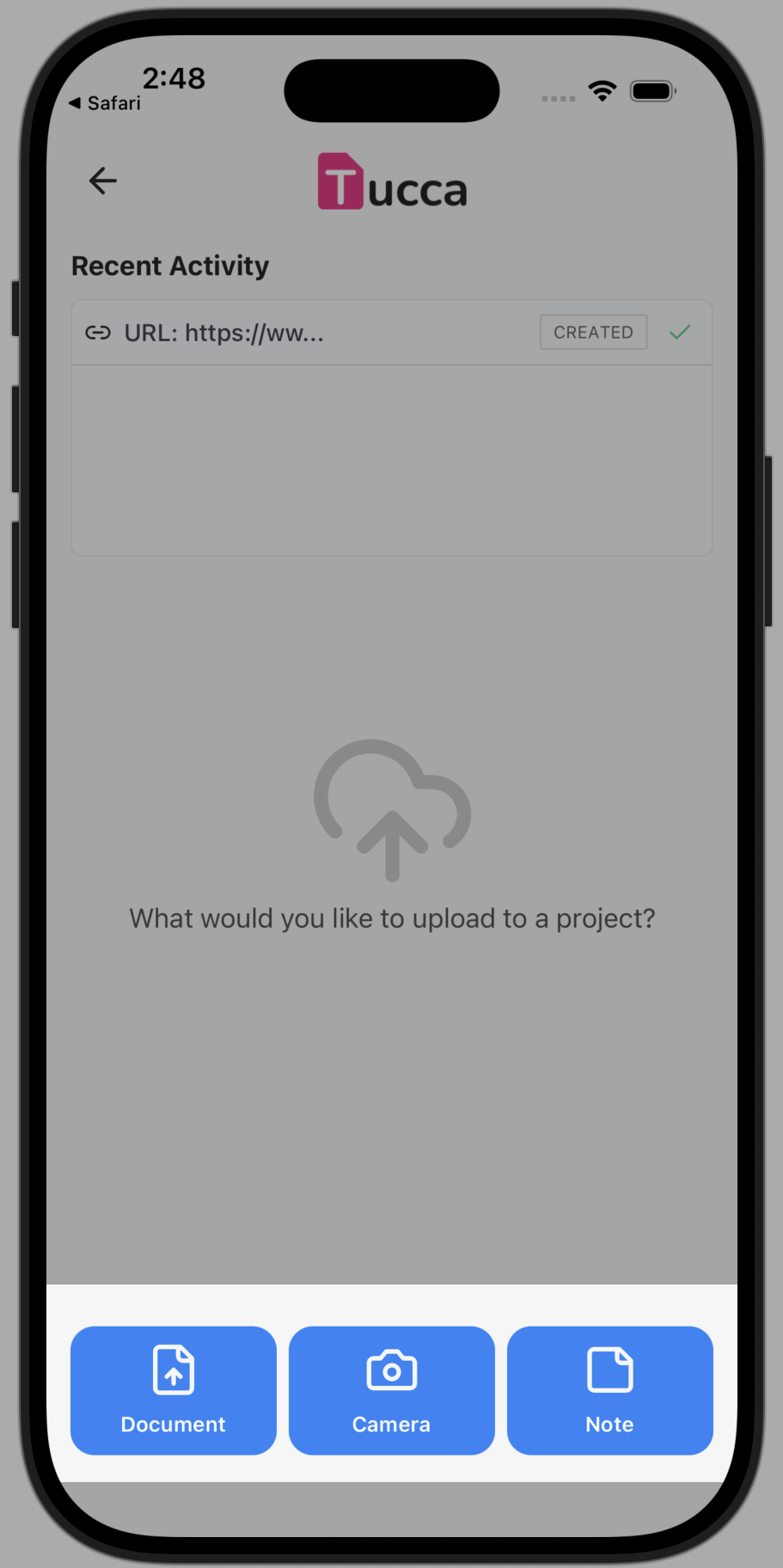
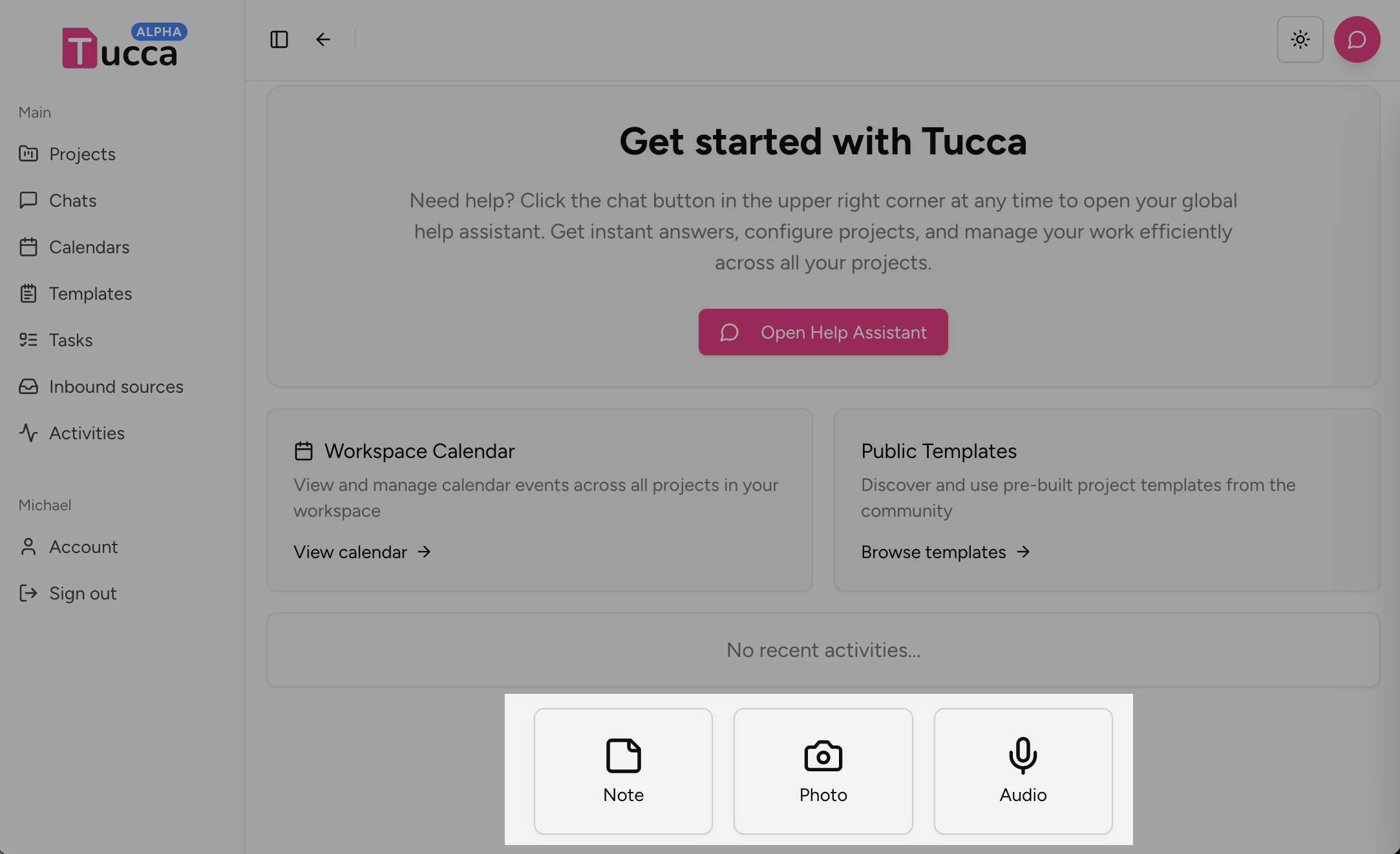
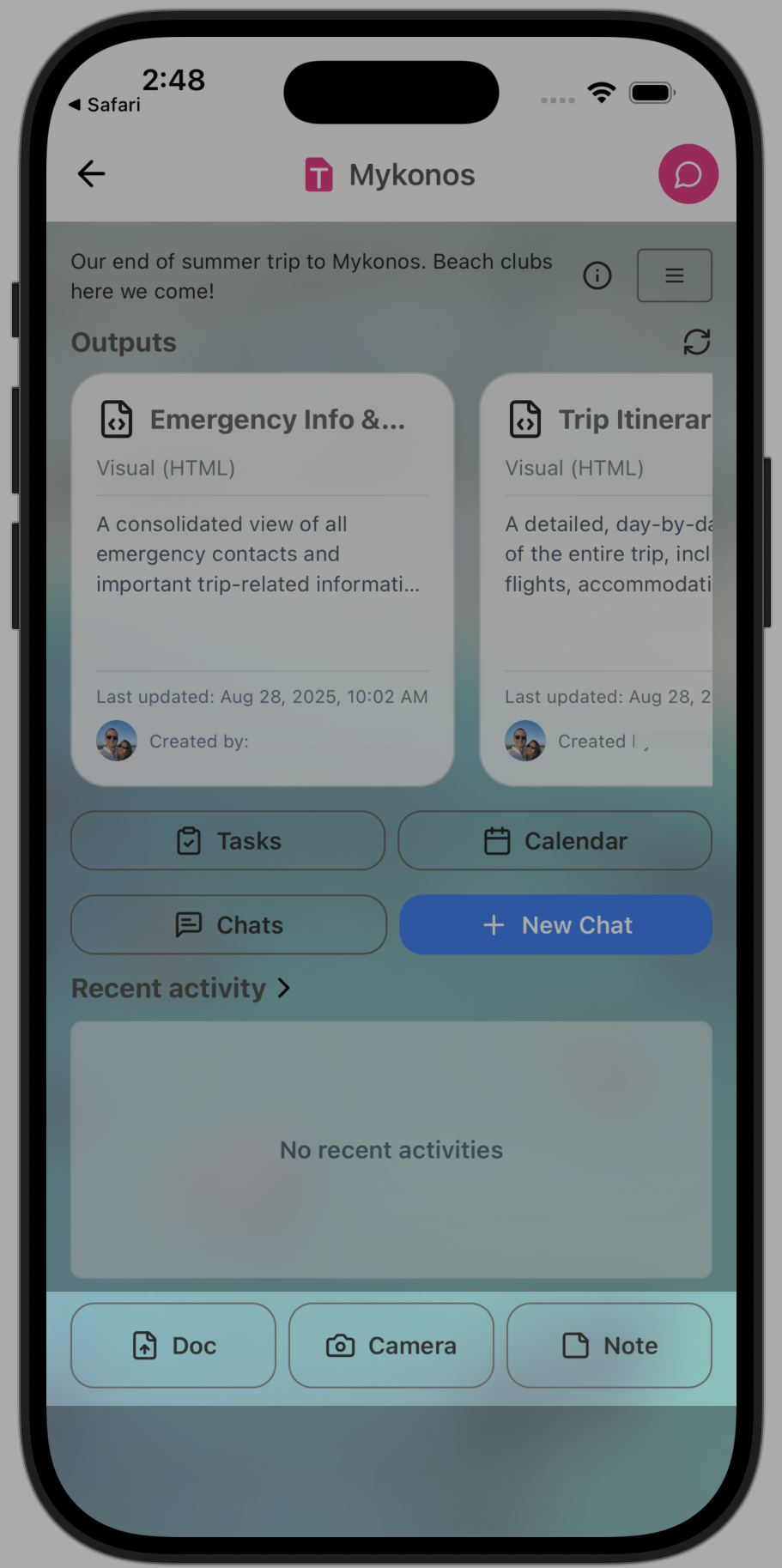
Upload quickly from the home screen- (Mobile) Locate and press the Upload button
- Select the appropriate upload button for the file/data you are uploading
- Select the file when prompted and complete the form. Be sure to select the proper project
- 📱 Mobile
- 💻 Web
Project Upload
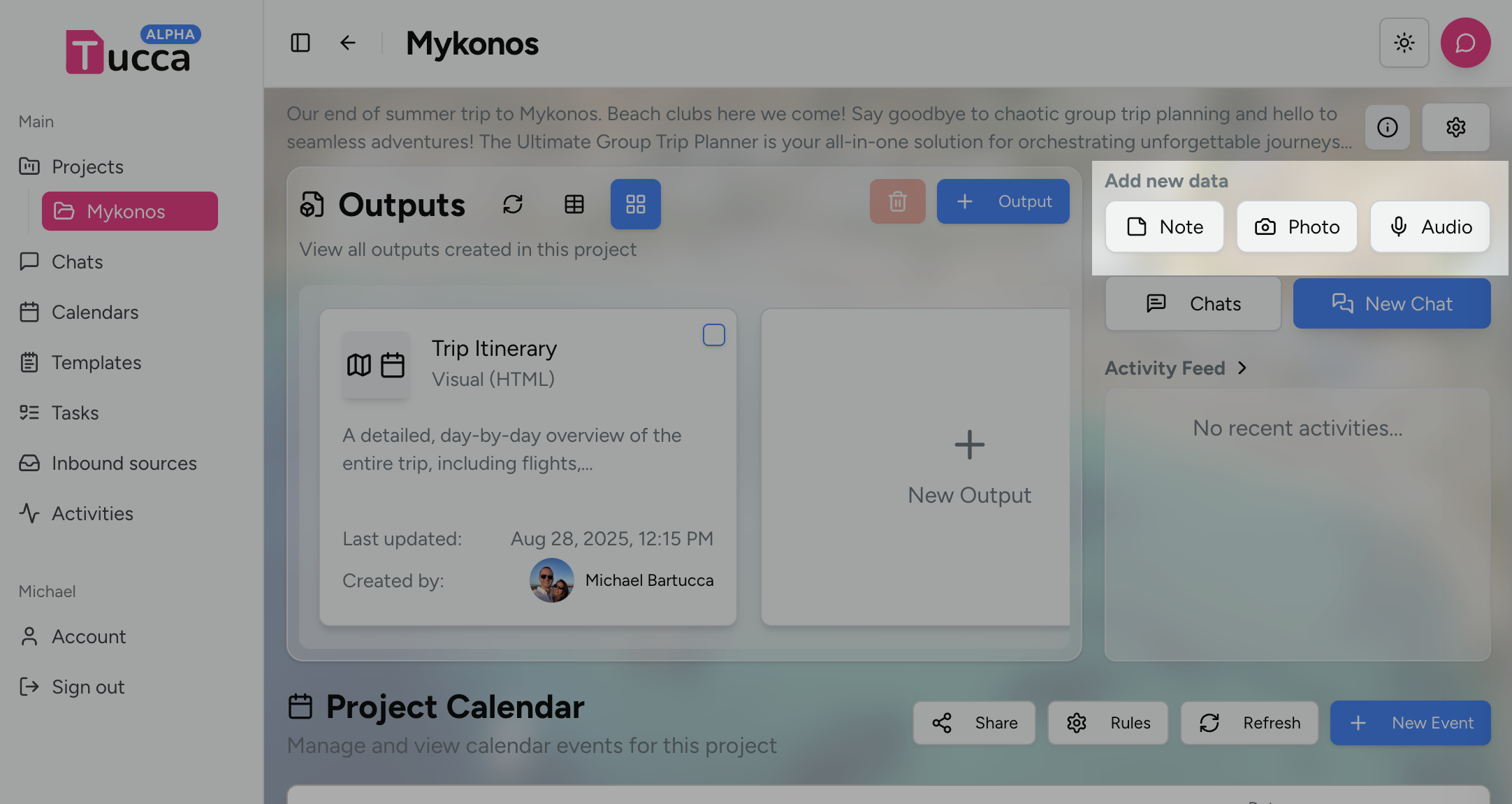
From a project page:- Locate the upload buttons
- Click or tap the relevant button
- Depending on the type you will be prompted to select files and complete a form to upload
- 📱 Mobile
- 💻 Web
Mobile App Share Button
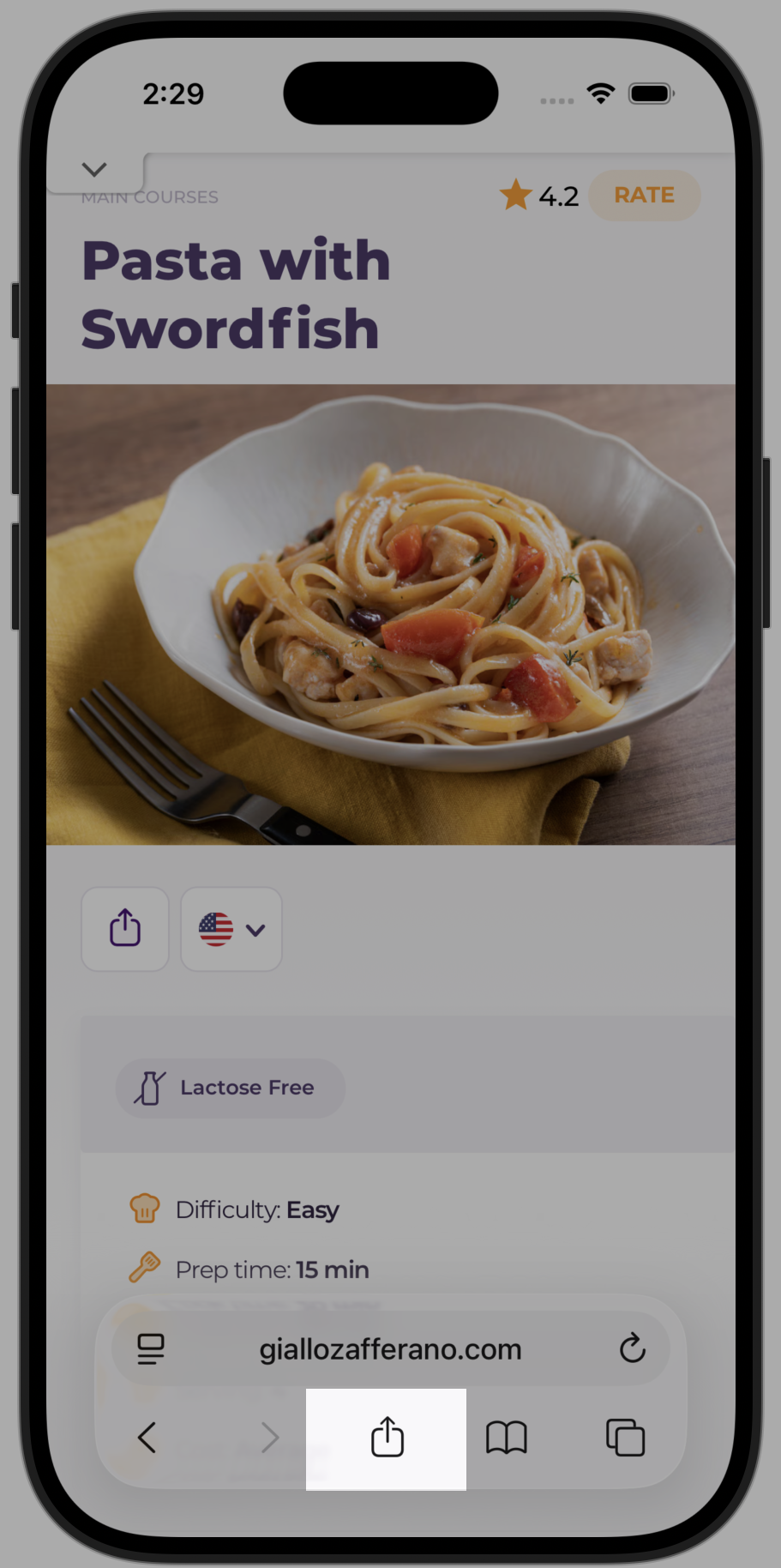
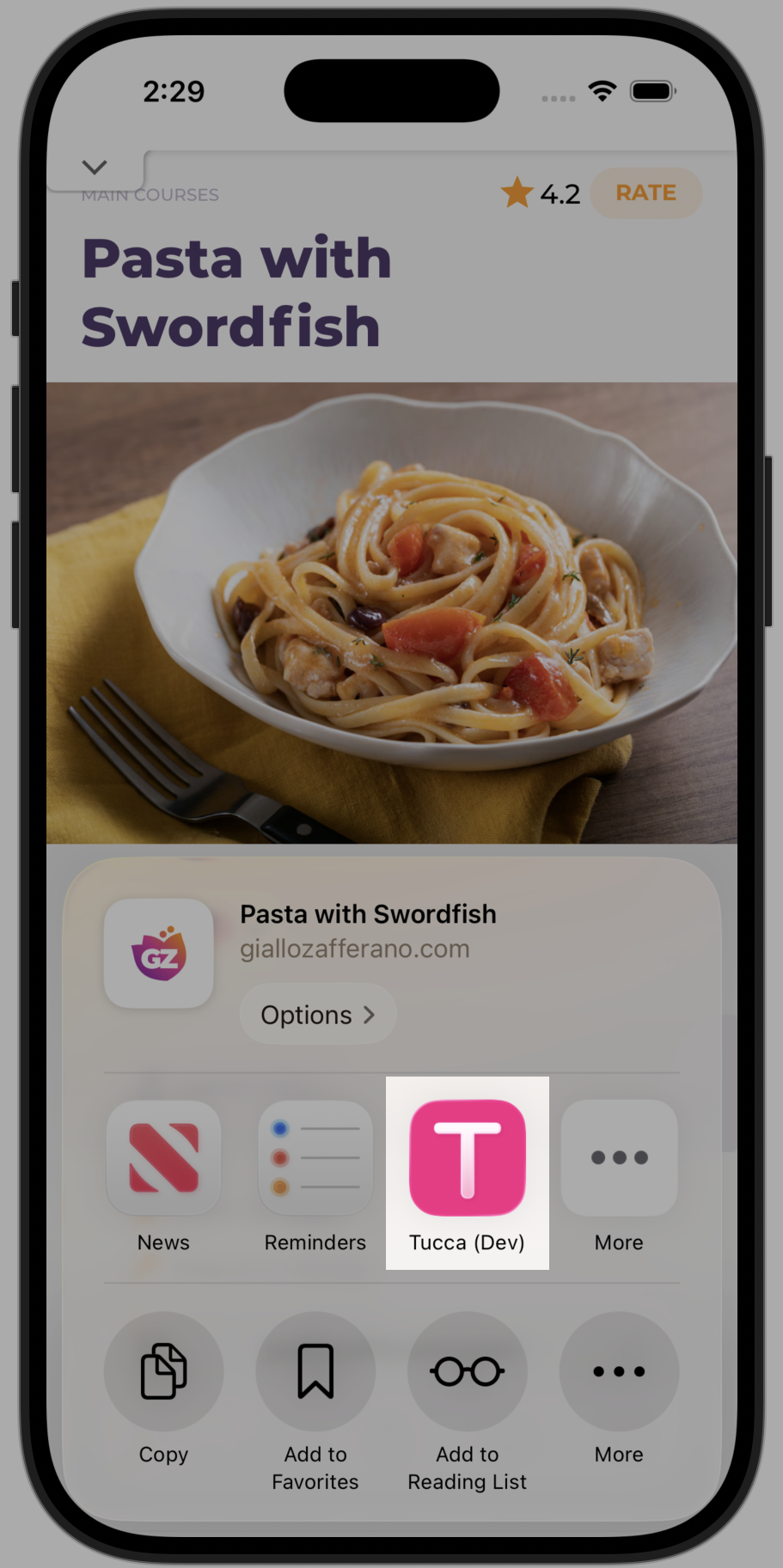
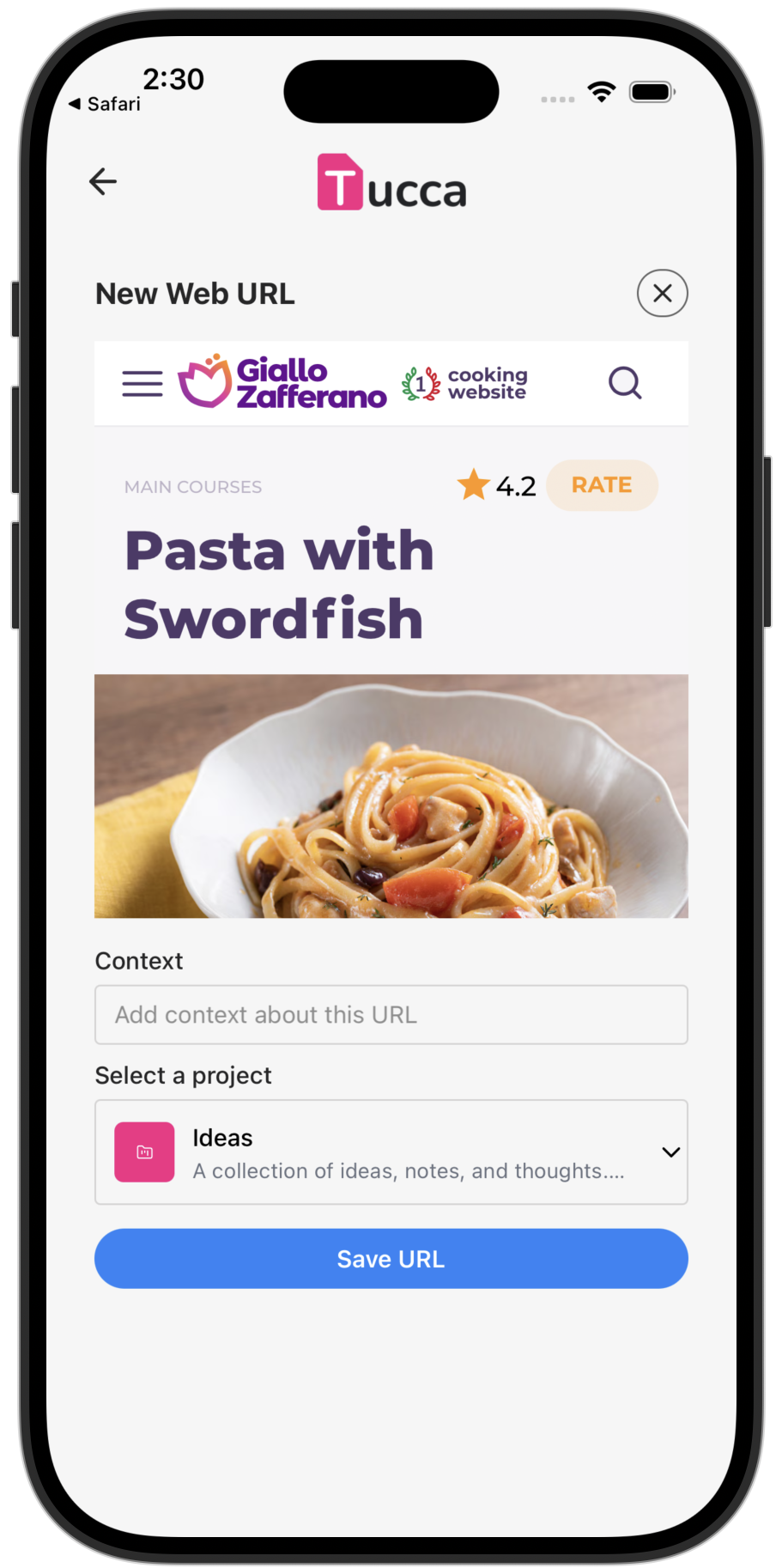
With the Tucca mobile app installed you can easily upload data from inside any mobile phone app via the share button- From within any app on your mobile phone press the “Share” button or icon
- Choose the Tucca app from the app options, the Tucca app will open
- Complete the form by selecting the project to upload it to
- Click or tap upload and you’re all done, Tucca will handle the rest
- 📱 Mobile
Email Forwarding
Whenever you get an email relevant to a project simply forward it to TuccaPersonal Email Address
- Send anything to your
<username>@in.tucca.aiaddress - Tucca will automatically analyze the content and route it to the correct project
Project-Specific Email
Project specific email accounts can be created for use with forwarding rules to automatically forward emails to the correct projectEmail Attachments
Email attachments are automatically handled as new data sources in the project they are routed to← Home
Return to the main documentation homepage
← Concepts Overview
Browse all concept documentation