

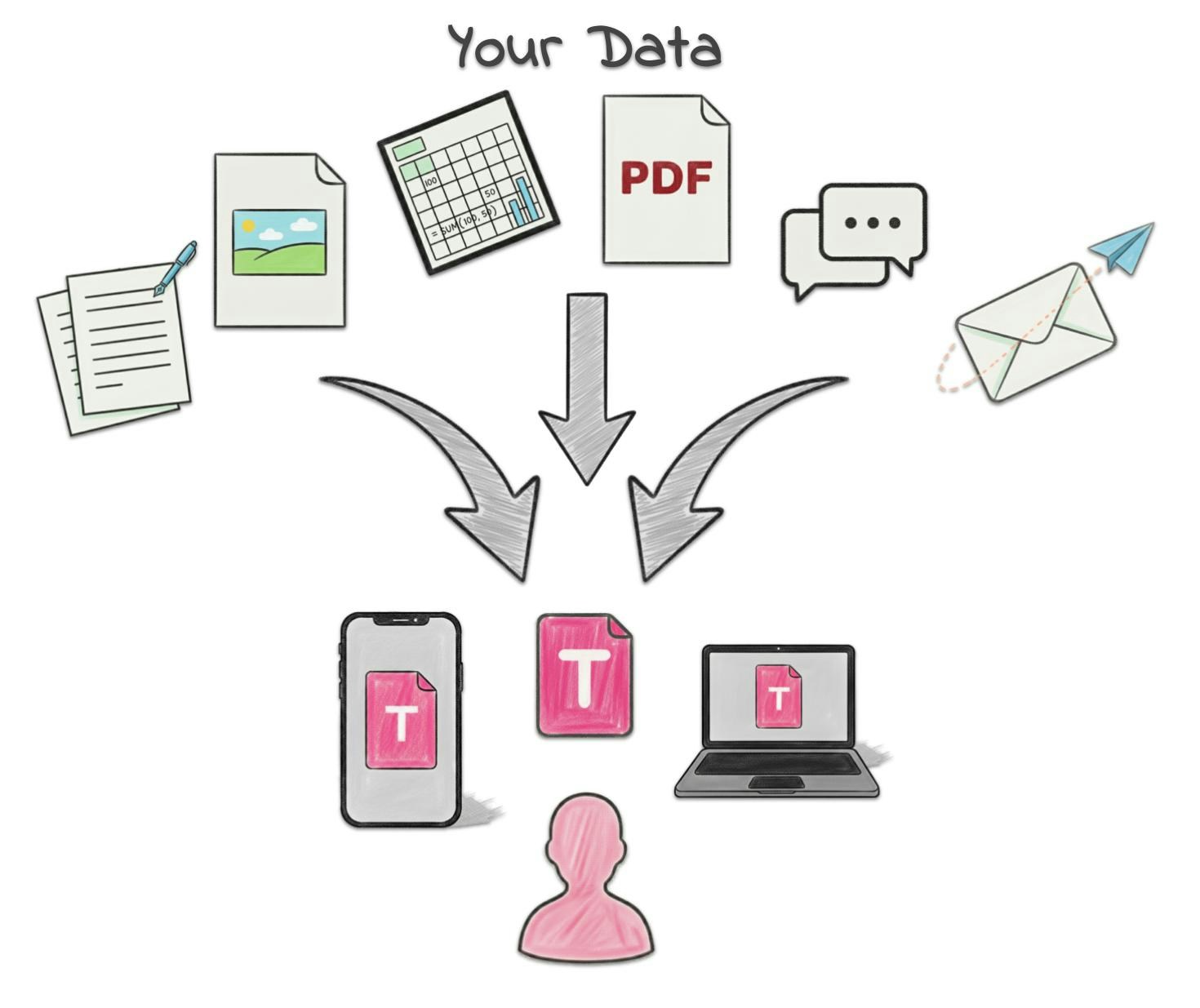
Mobile App
The Tucca mobile app is your primary tool for capturing information on the go:- Quick Photos: Snap pictures of receipts, school flyers, documents, or anything else
- Quick Notes: Jot down notes, reminders, or observations
- Voice Notes: Record thoughts and ideas instantly
- File Upload: Add documents, PDFs, images, and more
Email Integration
Your personal<username>@in.tucca.ai email address is your universal data capture tool:
- Forward Emails: Forward any email to automatically process and organize it
- Email Attachments: Send files, documents, and images directly
- Email Integration: Connect your email provider to automatically pull relevant information
Web Interface
The web app provides a full-featured experience for capturing and managing information:- File Upload: Add documents, PDFs, images, and more
- Quick Notes: Create detailed notes, reminders, or observations
- Voice Notes: Record thoughts and ideas directly in the browser
External Account Connections
Connect your existing accounts to automatically pull in relevant data:- Google Workspace: Gmail and Calendar
- Microsoft Office: Outlook and Office 365 (Coming Soon)
- Notion: Import your existing Notion databases and pages (Coming Soon)
- Other Services: Slack, Trello, and more integrations coming soon
Best Practices
For Mobile
- Use the share button from anywhere on your phone to quickly upload to Tucca
- Stop typing and just take photos of documents or screenshots of texts to send to Tucca
For Email
- Set up email forwarding rules for important services
- Forward receipts and confirmations immediately
- Set up data routing rules on your account so Tucca knows exactly how you want emails organized
Next: Tucca Handles Everything →