
Shared Projects
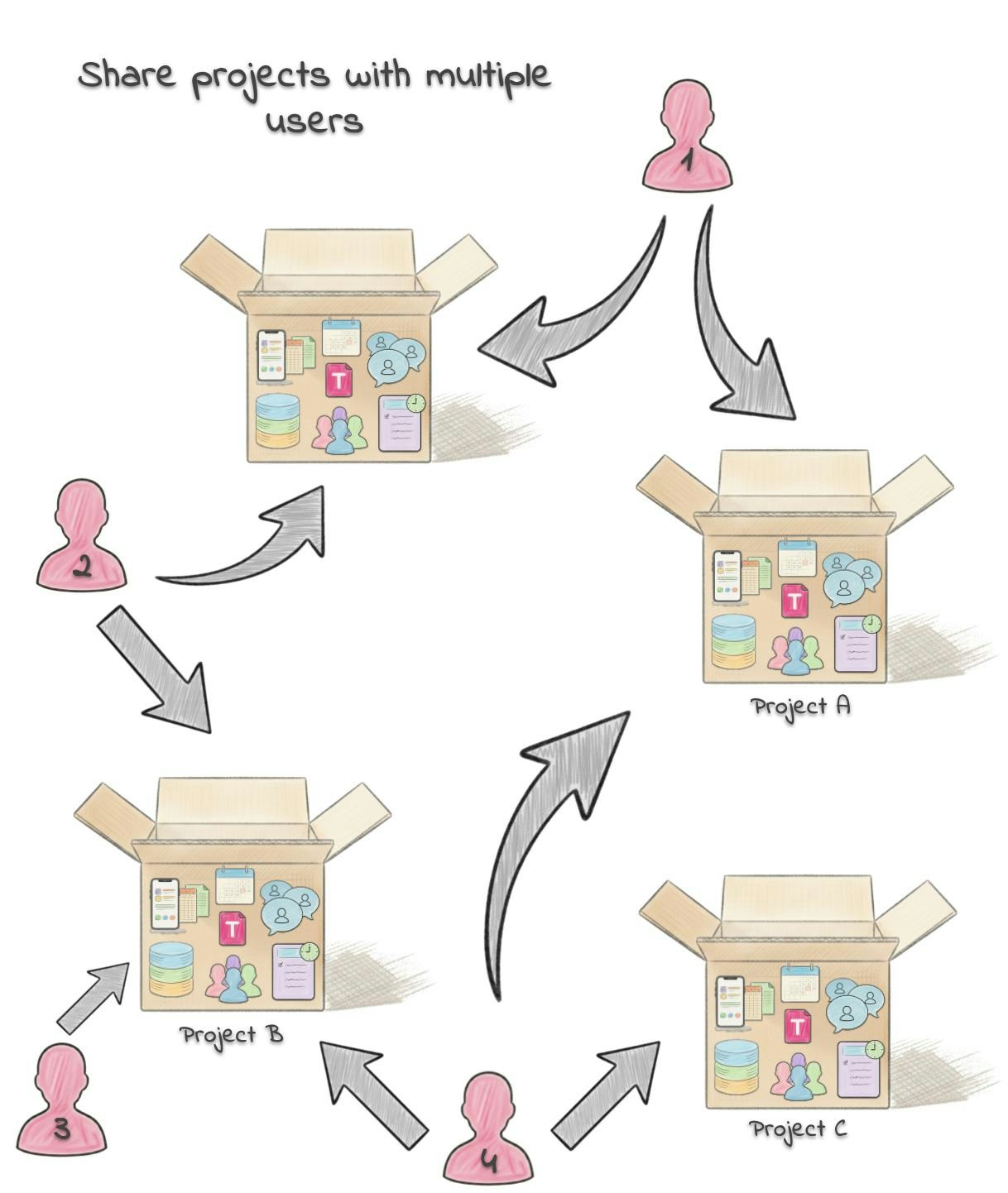
Project Sharing
Invite others to collaborate on your projects:- Selective Sharing: Choose exactly who can access a project
- Permission Levels: Control who can view, edit, or manage different aspects
- Real-time Updates: Everyone sees changes as they happen
- Activity History: Track who uploaded what and when
AI-Powered Group Chats
Intelligent Conversations
Chat with AI assistants as a group that understand your project context:- Context Awareness: AI is only focused on the goals of the project with using its datasources, datasets, and more.
- Action Execution: AI can perform tasks on behalf of the group
- Information Retrieval: Find relevant information across all shared data in the project
- Decision Support: Get AI recommendations for group decisions
Privacy and Control
Project-Level Data Isolation
Group chats are automatically restricted to their project’s data:- Project Boundaries: Project AI assistants can only access data sources within the current project
- No Cross-Project Access: Information from other projects remains completely separate
- Secure Context: Each project maintains its own isolated data environment
Cross-Platform Collaboration
Multi-Device Access
Collaborate from any device:- Mobile App: Full collaboration features on smartphones and tablets
- Web Interface: Complete functionality in any web browser
Next: Back to Docs Home →